

 |  |  |  |  |  |  |


 | | | |  | | |
| |||||||||||||||||||||||||||||||||||||||||
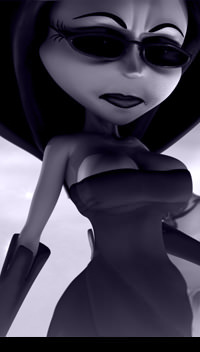
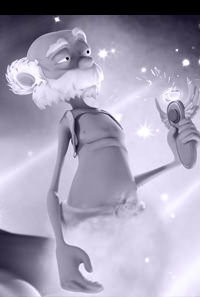
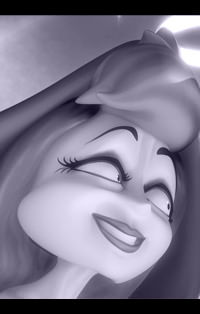
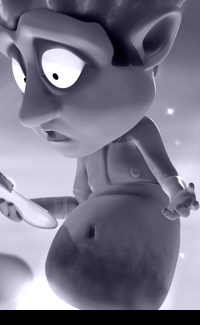
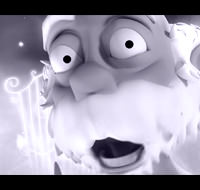
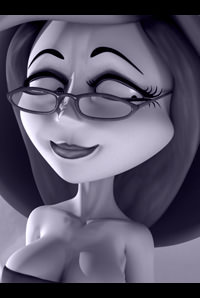
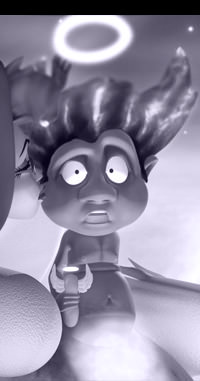
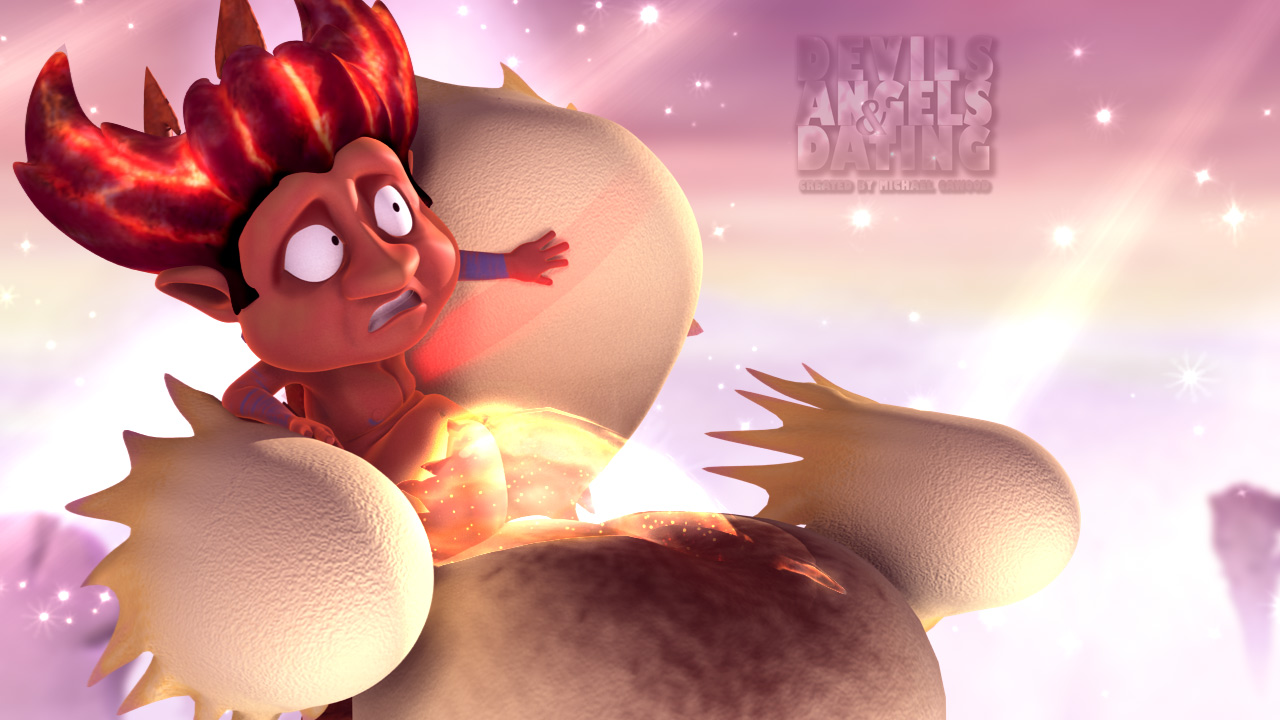
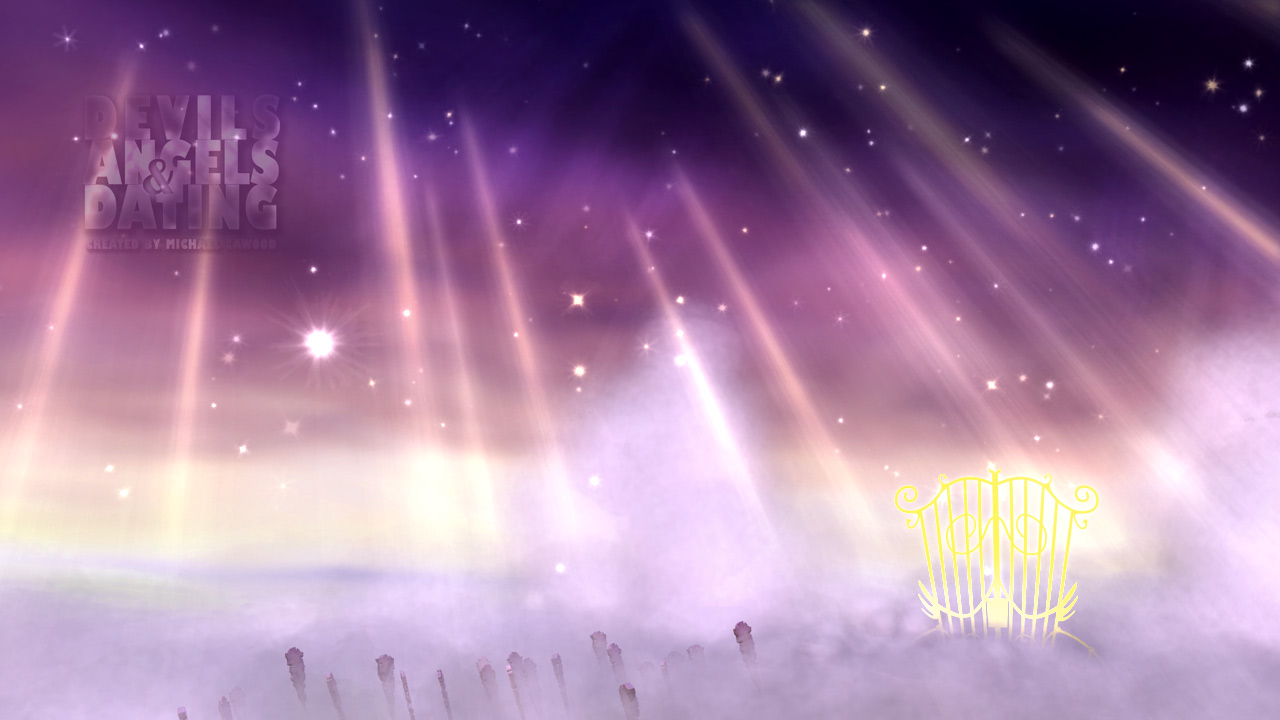
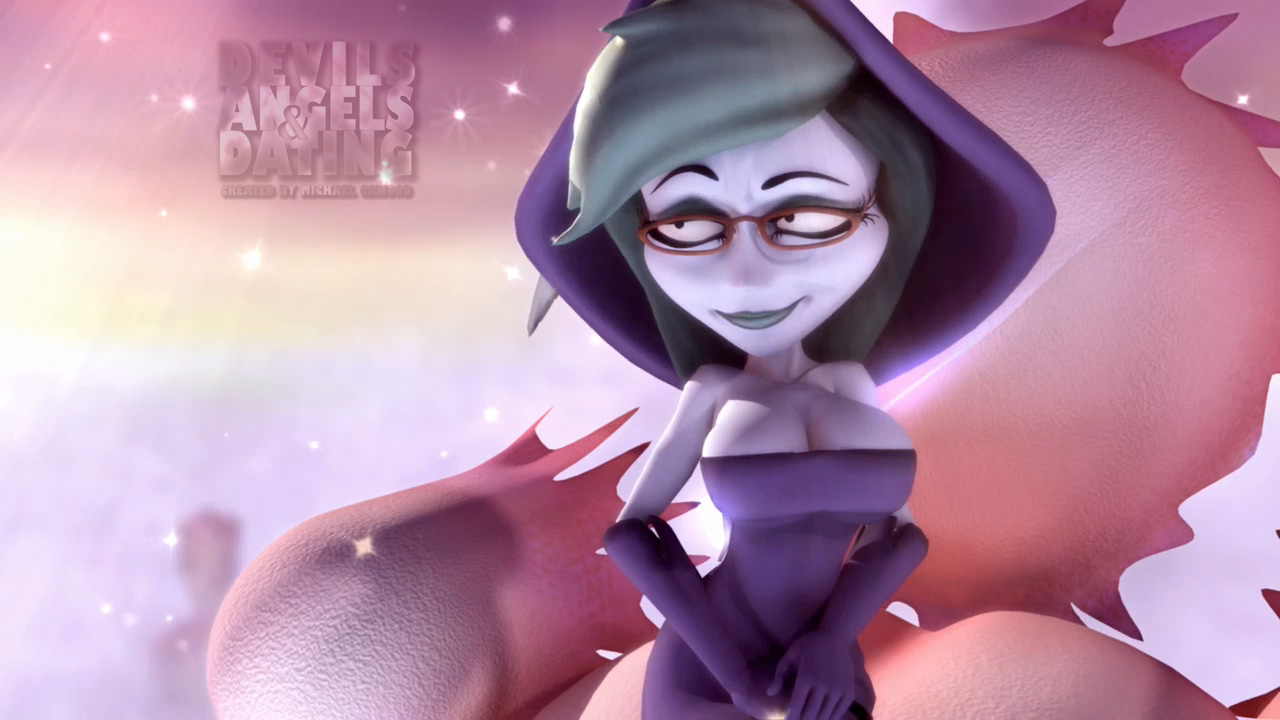
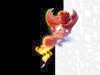
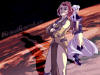
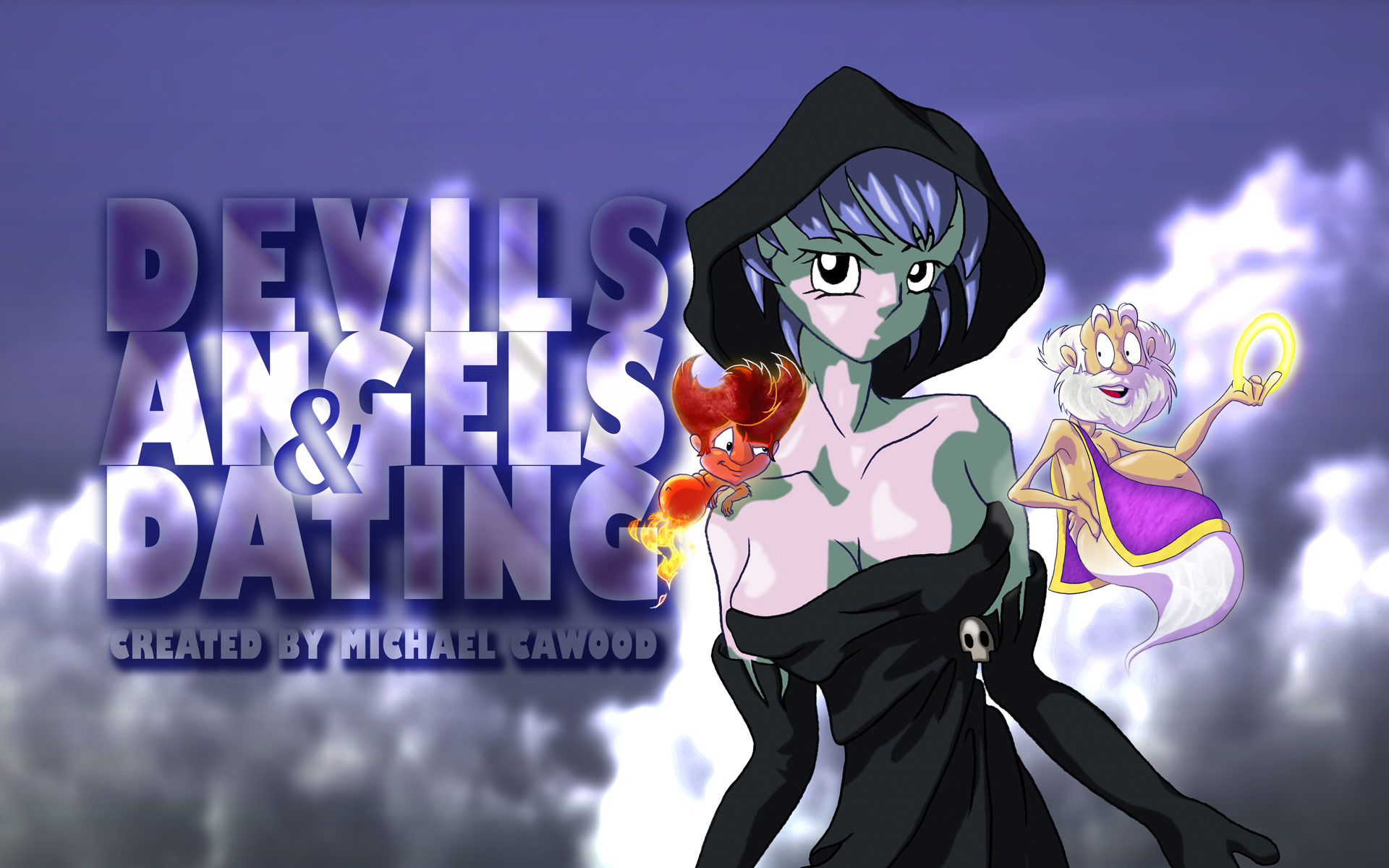
Desktop WallpapersWhile we're still in animation production on 'Devils Angels & Dating' we don't have a lot of Pixar quality images to provide as desktop wallpapers but as we go along I'll try my best to offer what we have so that you can decorate your animator's desktop. These images are 1280 x 720 HD.
Select an image size then just right click and 'Set as Background/Wallpaper' to make one of these free pictures your desktop background.
| |||||||||||||||||||||||||||||||||||||||||
Desktop IconsDownload the zip file and extract the icons. Now go to the desktop shortcut you want to change, right click on it and select 'Properties' then 'Change Icon' and browse for the new icons. These animation related icons include sizes 64x64, 32x32 and 16x16 with transparencies.
| |||||||||||||||||||||||||||||||||||||||||
Maya Shelf IconsIf you’re like me, you have a load of MEL scripts on your shelf in Maya with no suitable icons to go with them… so you forget which one is which and you never use them. So I have converted the Icons above for use in Maya, and they work great. You’re free to use them and distribute them for use in any tools interface. I hope they help you remember which button does what. They are just BMP files so they should work anywhere that you can use a 32x32 Icon, although I actually haven’t tried them in other programs.
| |||||||||||||||||||||||||||||||||||||||||










The opinions expressed in this website do not represent those of any previous or current employers.